

How Sales & POS is organised
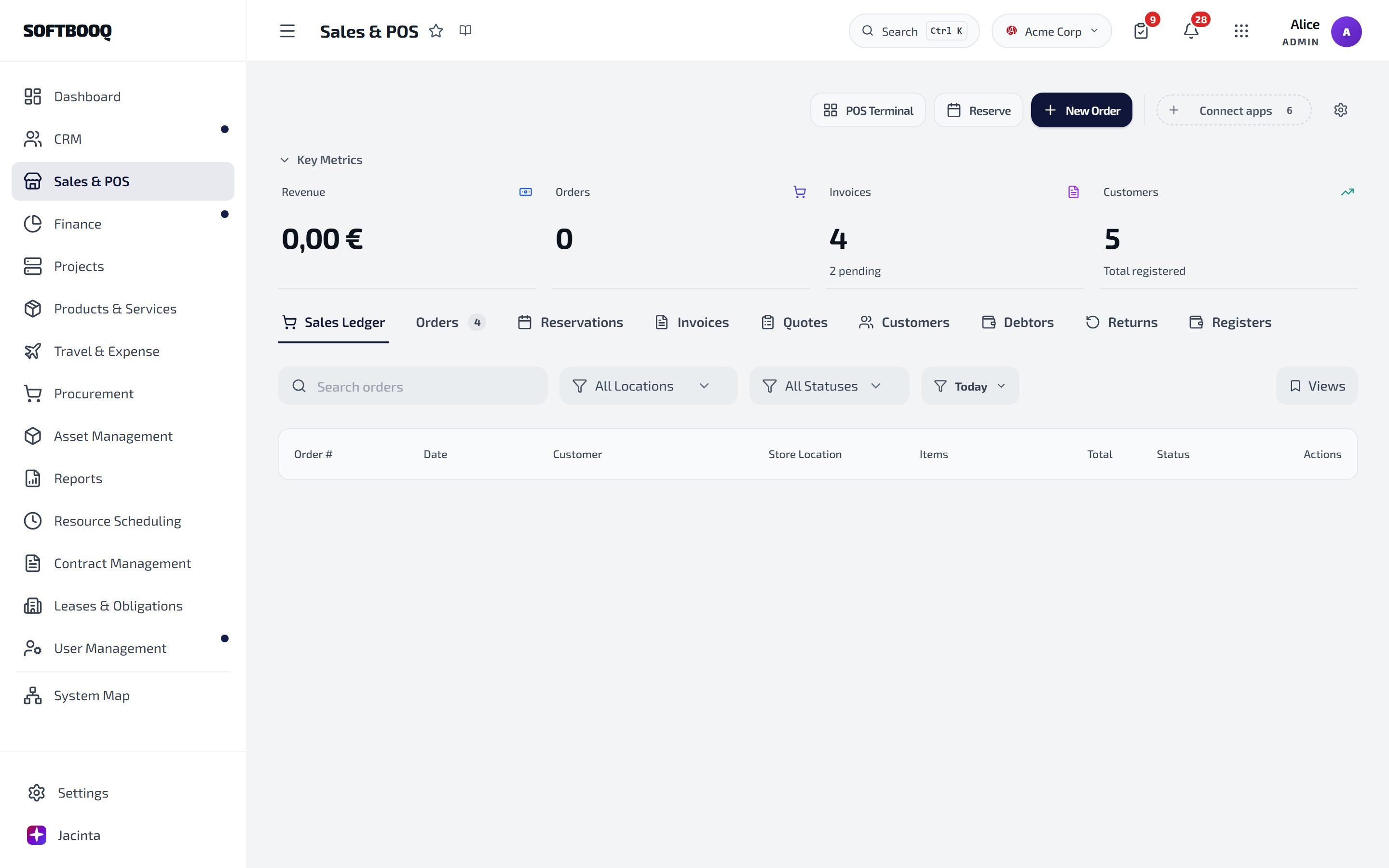
POS Terminal, Reserve and New Order at the top; the nine tabs below the key figures.
Common tasks
Sell at the register
Open POS Terminal, add items, and take payment. A customer is optional: a sale can go to Walk-in Customer. You need a customer for larger sales and for anything paid only in part or later.Take an order
1
New Order
Add the items. Each line can take a Line discount %, and the whole order a Discount. Add a delivery address and the customer’s reference or PO number if you have them.
2
Create Order
The order and its invoice are created together.
3
Fulfil it from the Orders tab
Open the order to move it through New, Confirmed, Picking, Partially shipped, Fulfilled and Delivered. To ship part of it, use Record shipment and enter the quantity.
Send a quote
Create the quote in Quotes. A quote needs a Valid Until date before it can be sent. From the quote you can:- Mark as Sent
- Copy Link: a link where your customer can accept the quote
- download the quote PDF or a Proforma
- Convert to Invoice once it is accepted: this makes a draft invoice
Take a return
Open Returns → Process Return (or Returns / Refund at the register). Find the sale by receipt number or customer, choose the items and quantities, and for each line whether it goes back into stock.- Reasons: Defective / Damaged, Wrong Item Received, Customer Changed Mind, Not as Described, Size / Fit Issue, Found Better Price, Other Reason
- Refund by: Original Payment Method, Cash, Card / Terminal, Bank Transfer, or Store Credit
Hold stock for a customer
Use Reserve. The reservation appears under Reservations, where you Collect it when the customer picks it up, or release it.Troubleshooting
The sale asks for a customer
The sale asks for a customer
A customer is needed for larger sales and for sales paid only in part or later. Choose one, or create one from the cart.
I cannot cancel an order
I cannot cancel an order
Orders can be cancelled only before they are fulfilled. After that, take a return.
See also
Finance
Where the invoices and payments land.
Products & Services
The products you sell and their stock.
Online store
Selling on your public site.